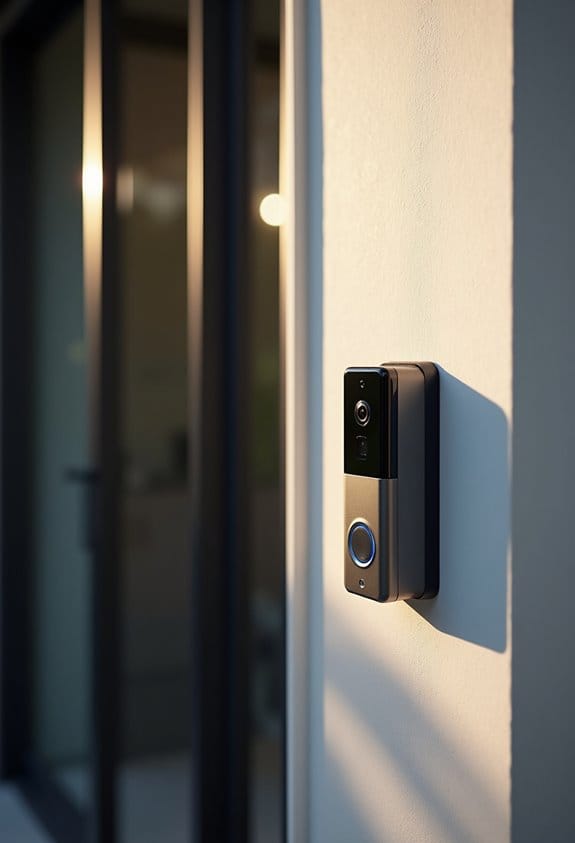

When setting up a video doorbell, understanding the field of view (FOV) is essential. The angle of the camera affects what we see. A wider FOV, from 120° to 180°, offers greater coverage, but can create blind spots beneath the camera. It’s best to install cameras at about 48 inches high to reduce these blind spots. If we encounter issues with visibility, adjusting the camera angle or using spacers can help. We’ll explore more ways to optimize your doorbell’s FOV.
Key Takeaways
- The field of view (FOV) of video doorbells typically ranges from 160 to 180 degrees, impacting how much area is covered.
- Camera angle and height significantly influence vertical FOV, often creating blind spots below the device’s placement.
- Wider FOVs provide greater coverage, while narrower angles focus on capturing more detail but may miss surrounding areas.
- Environmental factors, such as trees or walls, can obstruct the FOV and create unmonitored zones.
- Adjusting camera angles with spacers can help refine visibility and reduce distortion in the coverage area.
Understanding Field of View (FOV) in Video Doorbells
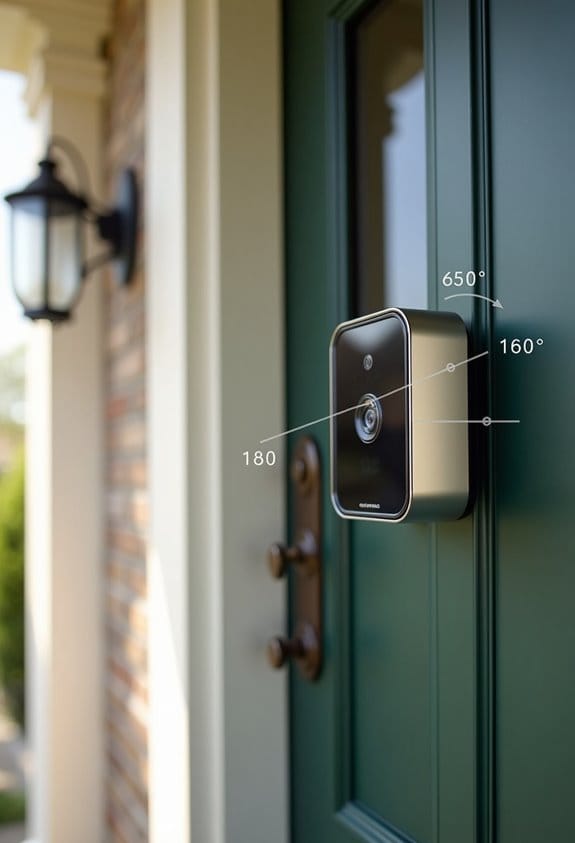
When we’re considering the effectiveness of a video doorbell, understanding the Field of View (FOV) is essential. The FOV typically ranges from 180 degrees diagonal to about 160 degrees horizontally for models like the Arlo Essentials Video Doorbell. However, the vertical FOV tends to be narrower. This limitation can create blind spots, especially for items within a 2-foot radius directly below the camera lens. Fisheye distortion might suggest a broader coverage area, but the actual effectiveness can vary based on the camera’s angle. To improve visibility, we may need to adjust the camera’s positioning using spacers to tilt it downward. Installing additional cameras or downward-pointing motion-activated devices can help cover those tricky blind spots. Additionally, integrating a video doorbell with smart home compatibility can enhance overall security and user convenience.
What Factors Affect Your FOV?
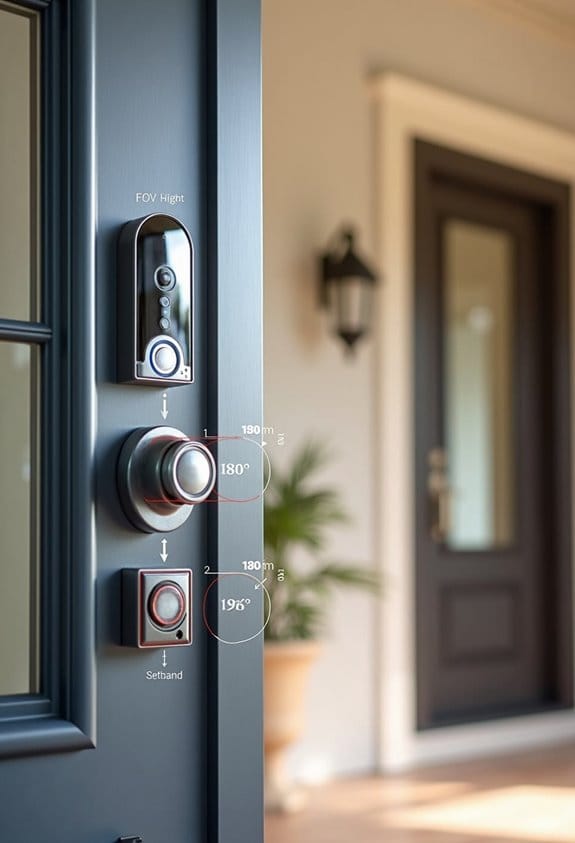
Understanding the factors that affect a video doorbell’s field of view (FOV) can help us optimize its performance, ensuring we capture the most relevant footage. The camera’s focal length plays an essential role; shorter focal lengths enhance horizontal FOV, while longer ones provide detail but narrow the view. Camera placement is important too—installing it higher can increase vertical FOV but may miss lower objects. The sensor size and resolution also matter, impacting detail captured over a wider area. Additionally, lens types, like fisheye lenses, create broader views but can cause distortion. Environmental factors, such as trees, walls, or poor lighting, can lead to blind spots, affecting motion detection and overall clarity. Choosing a camera with a wide field of view of 160 degrees or more minimizes blind spots and improves coverage.
How Camera Angles Impact Visibility and Coverage
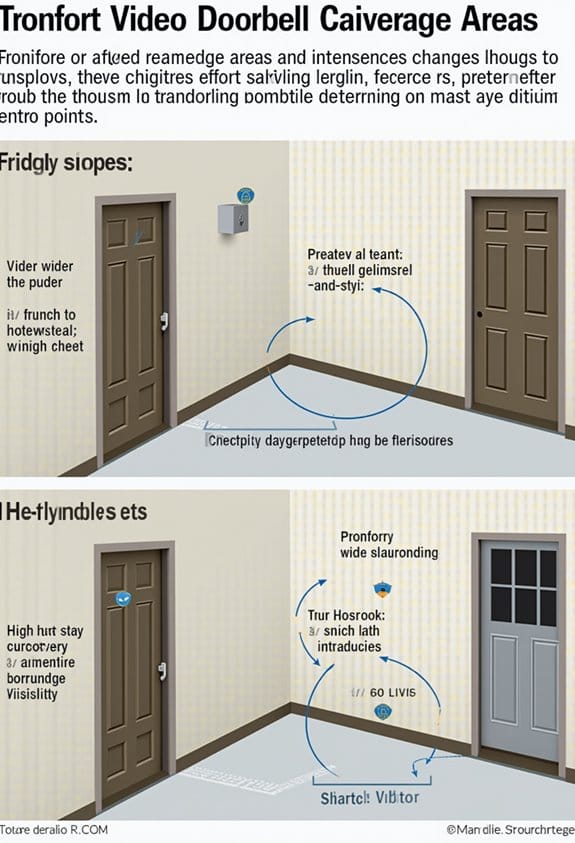
Camera angles play an essential role in determining the visibility and coverage of a video doorbell, such as the Arlo Essentials. The vertical field of view is often narrower than the horizontal field of view, causing potential visibility issues for objects within a 2-foot radius directly below the camera. By adjusting the viewing angle downward, we can enhance visibility for approaching individuals. It’s recommended to install the doorbell at about 48 inches high to minimize blind spots. Additionally, using adjustable mounting methods, like wedge kits, can help overcome challenges posed by door frames. Remember, while a fisheye lens offers a broader horizontal view, the actual field of view is around 160 degrees, making precise angle adjustments crucial for effective coverage. For optimal continuous operation, consider integrating solar chargers to ensure your device remains powered while maintaining ideal viewing angles.
How to Assess Your FOV Needs
To effectively assess our Field of View (FOV) needs, we should start by identifying key entry points, such as front doors, side gates, and driveways, as well as any blind spots around our property. Next, let’s consider the angle of our doorbell’s camera; a wider FOV, ideally between 120° to 180°, can offer greater coverage, while a narrower angle, around 40° to 90°, focuses on detail. Installation height matters too; mounting the doorbell at about 48 inches from the ground helps optimize the viewing angle. Before finalizing installation, we should test different camera placements to verify the coverage meets our expectations based on the live view. This step minimizes frustration and guarantees that we capture necessary visuals. Additionally, ensuring the camera includes infrared technology enhances visibility during nighttime or low-light conditions.
Troubleshooting Common FOV Issues and Solutions
When we encounter issues with our video doorbell’s Field of View (FOV), it can be frustrating, especially if we’ve invested time and resources into the installation. Many users find that the actual horizontal FOV is about 160 degrees, not the claimed 180 degrees. This discrepancy can limit visibility, especially near the camera. To improve this, adjusting the camera angle with spacers may enhance our view, as fisheye distortion can affect edges. If troubleshooting methods, like factory resets and changing video modes, haven’t worked, we might consider adding a motion-activated camera to cover blind spots. Recognizing these limitations and tweaking settings or configurations is essential in making the most of our doorbell’s visibility. Additionally, selecting a doorbell camera with a wide-angle lens can increase surveillance range and reduce blind spots, improving overall coverage.
Optimize Your Video Doorbell’s Field of View
After addressing common Field of View (FOV) issues, we can focus on optimizing our video doorbell’s visibility. To start, we should mount the doorbell at about 48 inches from the ground for ideal visitor detection. Utilizing installation tools like wedge or corner kits can help us adjust the camera angle downwards, enhancing coverage of the doorstep and minimizing blind spots. While the Arlo Essentials Video Doorbell advertises a 180-degree diagonal FOV, testing reveals a horizontal FOV closer to 160 degrees. As a result, we must position it carefully. Prior to permanent installation, using the Live View feature lets us test the camera’s perspective, ensuring no obstructions block our desired coverage. Avoid steep vertical angles to maintain visibility within two feet of the camera. Ensuring a 160-degree wide viewing angle helps eliminate blind spots and provides comprehensive coverage.
Frequently Asked Questions
What Is the Difference Between Viewing Angle and Field of View?
The difference between viewing angle and field of view lies in their definitions; viewing angle measures perception at a specific angle, while field of view encompasses the entire visible scene, impacting practical applications in security placements.
Can You Adjust the Field of Vision on a Ring Doorbell?
We can’t adjust the field of vision on a Ring Doorbell through settings. Instead, we should explore installation tips for ideal positioning. The user manual might even surprise us with helpful advice on maximizing our view!
What Is a Good Field of View for Security Cameras?
For security cameras, a good field of view typically ranges from 120 to 180 degrees. We should consider wide angle lenses and ideal placement, while also being mindful of potential image distortion in our monitoring areas.
What Is the Field of View for a Ring Doorbell?
We might think we’re getting an eagle-eye view with the Ring doorbell, but its field of view is limited. Following installation tips and considering user experiences can help optimize video resolution, contrary to Ring specifications.