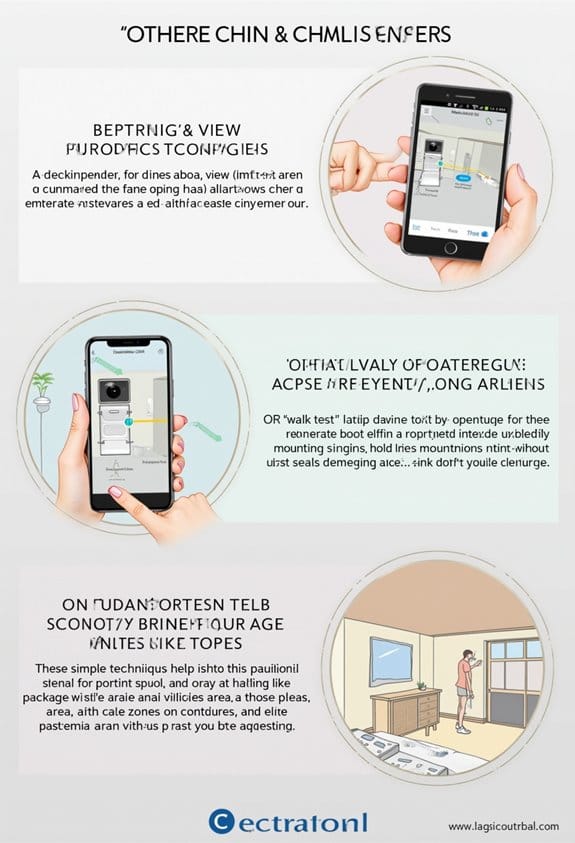
To guarantee ideal package visibility with your doorbell camera, we should install it at a height of 48 inches and angle it slightly downward. This setup helps capture faces and packages clearly while covering the approach to your front door. Before installation, test the Wi-Fi strength; aim for at least -70 dBm. Good Wi-Fi is essential for reliable motion alerts. By following these guidelines, we’ll enhance monitoring and reduce frustrations that come with unseen deliveries, plus there’s more to reflect on next.
Key Takeaways
- Install the doorbell camera at 48 inches high to ensure optimal visibility of faces and packages.
- Angle the camera slightly downwards to effectively capture deliveries and minimize shadows.
- Conduct a Wi-Fi signal strength test to ensure a strong connection for video playback and motion alerts.
- Maintain a clear line of sight by trimming overgrown bushes or shrubs near the camera before installation.
- Position the camera in soft, indirect lighting to enhance video clarity and reduce glare during the day and night.
How to Install Your Doorbell Camera for Optimal Package Visibility
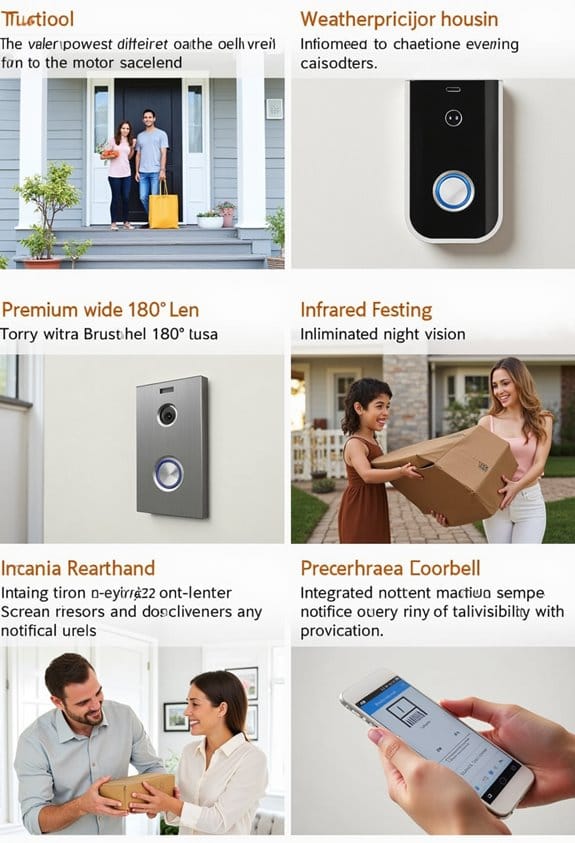
How can we guarantee that our doorbell camera provides the best view of our packages? First, we should install our doorbell camera at a height of 48 inches. This guarantees optimal visibility of both faces and packages. Next, we need to slightly angle the camera downwards to effectively capture deliveries without obstructions. It’s also essential that the camera’s field of view covers the entire approach path to our front door for clear package visibility. Before finalizing the installation, let’s perform a Wi-Fi signal strength test at the chosen spot. A weak signal can lead to issues with motion alerts and video playback. Following these steps ensures our security cameras work effectively, providing us with peace of mind and visual clarity. Additionally, considering cameras with wide viewing angles can significantly improve coverage and reduce blind spots.
Tips for Avoiding Shadows With the Camera Angle
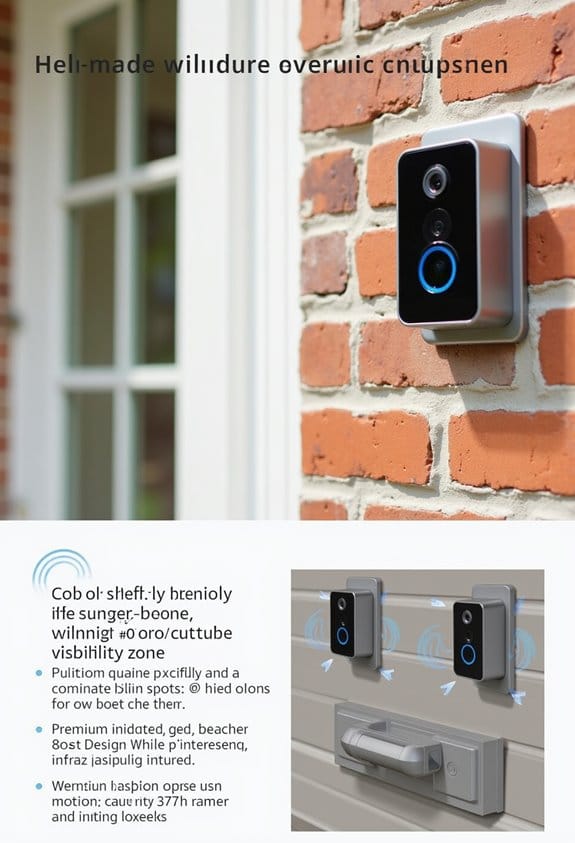
To effectively avoid shadows that can obscure our doorbell camera’s view, we need to be strategic about the camera’s angle and placement. First, we should position the security camera at a slight downward angle to minimize shadows cast by overhangs. It’s essential to avoid areas where direct sunlight hits the lens, as glare obscures the view of incoming packages. Installing our camera in well-lit areas helps during the day and prevents shadows from dark alcoves. Aiming for an install height of about 48 inches enhances package visibility while reducing shadow interference. Additionally, we can utilize the Live View feature during installation to test angles, ensuring that shadows from nearby objects don’t hinder motion detection for package visibility. Choosing a doorbell camera with color night vision can also improve visibility in low-light or shadowed conditions around the door.
Ensure Your Wi-Fi Is Good Enough for Your Doorbell Camera
Is your Wi-Fi strong enough to support the ideal performance of your doorbell camera? A strong Wi-Fi signal is vital for good video quality and timely notifications. We should conduct a Wi-Fi strength test at the doorbell’s installation point, aiming for at least -70 dBm for reliable coverage. If we find a weak signal, particularly if the doorbell is far from the router, using a Wi-Fi extender can eliminate those issues. Also, make sure the doorbell camera operates on the 2.4GHz frequency band, as it provides better range compared to the 5GHz band. Finally, regularly check for disruptions, like microwaves or thick walls, that could impact our security devices. By verifying our Wi-Fi is adequate, we can help prevent package theft. Additionally, consider that some Arlo doorbell models feature dual-band Wi-Fi compatibility to enhance connection stability and performance.
Doorbell Camera Lighting Tips for Clearer Video
After ensuring our Wi-Fi setup supports the doorbell camera, we can focus on lighting, which plays a key role in video quality. Installing the camera in soft, indirect lighting helps reduce glare and enhances video clarity. We should avoid placing it directly under strong lighting to prevent overexposure, which can wash out important facial features. Properly adjusting the camera’s angle is essential for capturing ideal illumination and preventing harsh shadows. It’s also important to utilize night vision effectively; make sure exterior lights don’t create glare that interferes with the infrared sensors. Finally, we should regularly assess the camera’s position, especially with seasonal sunlight changes, to maintain consistent security recording quality throughout the year. Additionally, selecting a doorbell camera with infrared (IR) technology ensures better performance in low-light conditions.
Avoiding Obstructions in Landscaping
While landscaping can enhance the aesthetic of our property, it’s essential to verify that it doesn’t obstruct the view of our doorbell camera. We should maintain a clear line of sight by trimming back any overgrown bushes, shrubs, or plants that might block the camera’s view of the package delivery area. Additionally, we need to choose landscaping that doesn’t exceed three feet in height near the camera. Installing the doorbell camera at a height of 48 inches verifies it captures a direct view of the ground. It’s also wise to assess our yard layout and remove decorative elements, like garden statues, that could create obstructions. Strategically placed flower beds can enhance visibility without sacrificing the overall appeal of our yard. To ensure reliable alerts, confirm that the doorbell camera has a stable Wi-Fi connection for effective monitoring and notifications.
Integrating Your Doorbell Camera With Smart Home Systems
Integrating our doorbell camera with smart home systems can greatly enhance our home security and convenience. A video doorbell equipped with a wide field of view can capture clear images of our entryway. When integrated into a smart home, we receive instant alerts on our devices whenever motion is detected. Using voice-activated commands with platforms like Google Assistant or Amazon Alexa, we can effortlessly view our doorbell camera feed. Additionally, many systems allow us to connect the doorbell camera with smart locks for monitored package deliveries. Customizing scenes becomes easy; for example, we can program outdoor lights to activate when motion alerts us. Regular software updates guarantee our security systems stay current and effective against potential threats. To ensure optimal performance and maintain a neat appearance, it’s beneficial to use wire protection products that safeguard the doorbell wires from weather and wear.
Maintenance Tips for Long-Lasting Doorbell Camera Performance
To guarantee our doorbell camera performs at its best, regular maintenance is vital. Start by cleaning the camera lens and solar panel monthly to verify clear video and charging efficiency. We should also monitor firmware updates from the manufacturer, as these updates can enhance features and security. Testing the motion sensitivity periodically helps us minimize false alerts, confirming our system is reliable. Additionally, we need to check the camera angle and field of view; obstructions can hinder a better view, particularly after seasonal changes. Finally, inspecting the power source and connections is essential; a signal that is weak may cause functionality issues. Following these steps will help keep our doorbell camera operating smoothly, in accordance with its privacy policy. It is also important to ensure the camera’s secure storage options are functioning properly to protect recorded footage and maintain privacy.
Frequently Asked Questions
Where Should a Doorbell Camera Be Placed?
Let’s place the doorbell camera at a height that guarantees ideal entryway visibility. We’ll angle it just right for package detection, avoiding obstructions. Choosing the perfect mounting surface and considering lighting conditions will enhance performance.
How to Set up Package Zone on Ring Doorbell?
To set up the package zone on our Ring Doorbell, we’ll adjust the package detection settings, ensuring an ideal camera angle and height, while considering sunlight impact and motion sensitivity adjustments for precise recording zone setup.
Where Not to Put Security Cameras?
We can’t believe some folks put cameras right in blind spots! Avoid Placement Mistakes like obstruction issues, weather exposure, and those pesky privacy concerns. Legal restrictions say no angles that invade neighbors’ turf—think smartly for effective installation height!
Where Can You Not Put a Ring Doorbell?
We can’t place a Ring doorbell too high, in heavy shadows, or facing bright sunlight. We need to respect neighbors’ privacy, consider camera angles, guarantee good Wi-Fi, and accommodate outdoor lighting for package theft prevention.