
Video doorbells often disconnect due to Wi-Fi connectivity issues, such as weak signals or interference from other devices. If the signal drops below 50%, frequent disconnections can occur. The ideal distance from the router should be within 30 feet. Power supply problems, like loose wiring or inadequate voltage, can also lead to disconnections. Finally, outdated firmware may contribute to performance issues. We’ll outline these concerns and provide solutions to improve your doorbell’s reliability.
Key Takeaways
- Weak Wi-Fi signal under 50% can cause frequent disconnects for video doorbells.
- Distance over 30 feet from the router may weaken the connection, especially through walls.
- Interference from microwaves or cordless phones can disrupt the Wi-Fi signal strength.
- Outdated firmware may lead to connectivity issues, requiring regular updates for optimal performance.
- Insufficient power supply or loose wiring can also cause video doorbells to disconnect.
Why Wi-Fi Connectivity Is Crucial for Video Doorbells
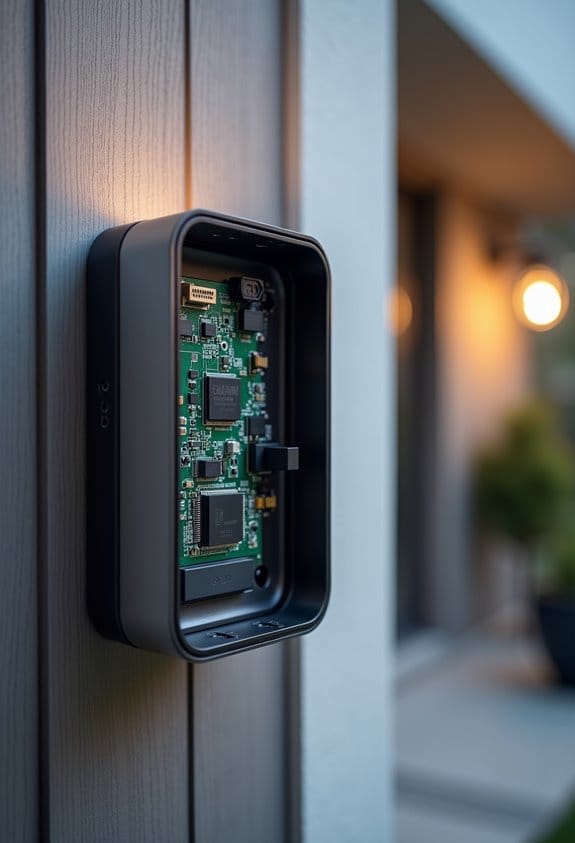
When we think about the functionality of video doorbells, it’s clear that Wi-Fi connectivity plays an essential role in their effectiveness. These devices need a stable Wi-Fi connection to transmit real-time video feeds and alerts. Poor signal strength can lead to disconnections or delays in notifications, compromising security. Most wireless video doorbells connect best to a 2.4GHz frequency since many can’t handle the faster 5GHz band. To stay connected, we should verify our Wi-Fi router is placed centrally, free from interference. It’s important to keep the network clean and efficient. Reducing congestion from multiple extenders or devices can greatly improve performance. By optimizing our setup, we enhance the reliability of our video doorbells. Additionally, devices compatible with 2.4GHz Wi-Fi are easier to integrate into existing home setups, ensuring smoother connectivity.
Common Wi-Fi Connectivity Issues With Your Doorbell
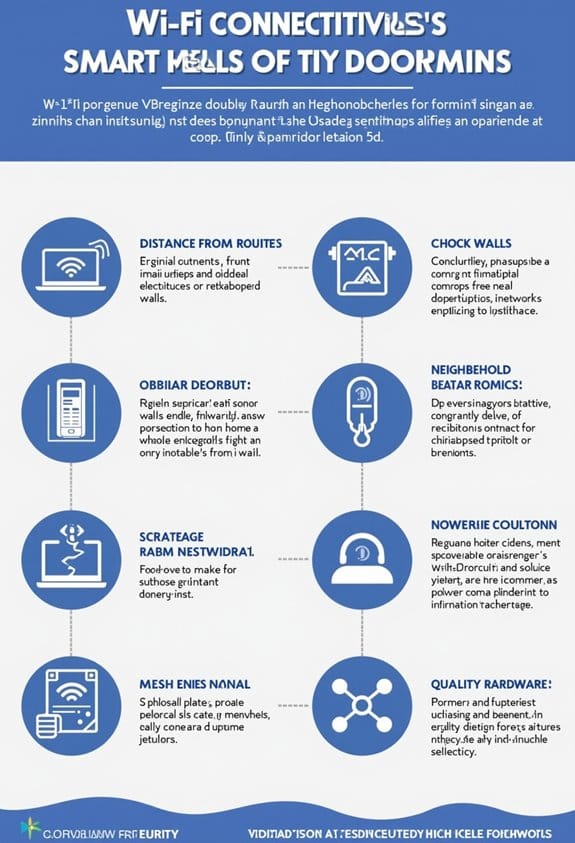
How can we guarantee our video doorbell stays connected? One vital step is ensuring strong Wi-Fi signal strength. If the signal drops below 50%, we may notice frequent disconnects with our doorbell cameras. For larger homes, switching from a 5GHz connection to a more reliable 2.4GHz connection can greatly improve stability. Additionally, interference from microwaves or cordless phones can disrupt our Wi-Fi signals. Regularly updating the firmware of our doorbells is also essential, as manufacturers provide updates that often address known connectivity issues. Finally, if we’re using a mesh Wi-Fi system with multiple extenders, reducing reliance on them may help, leading to a more stable and robust connection for our video doorbell. It is important to note that many video doorbells require a steady 2.4GHz Wi-Fi connection for optimal performance and connectivity.
Is Your Doorbell’s Distance From the Router Adequate?
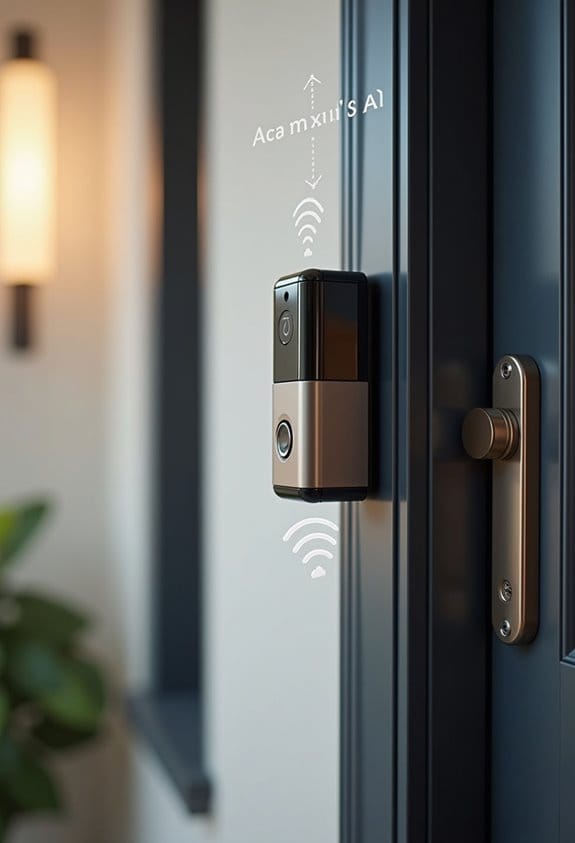
Is the position of your video doorbell in relation to your router up to par? The distance between these two devices is vital for maintaining a strong Wi-Fi connection. Ideally, your doorbell should be within 30 feet of the router. However, walls and obstacles can weaken the signal. If your doorbell is on an upper floor or around corners, connectivity could suffer due to blocked signals. To improve this, consider moving your router to a more central location in your home. Alternatively, installing a Wi-Fi extender, like the Ring Chime Pro, can help bridge the gap. This is especially important in larger homes, as it enhances the connection and reduces disconnections, keeping your doorbell functional. Ensuring your doorbell uses standard communication protocols like Wi-Fi is essential for optimal performance and integration.
How to Assess Power Supply Problems for Your Doorbell
To keep our video doorbells functioning smoothly, we need to assess their power supply thoroughly. First, we should verify that the power source is providing the required voltage range of 8 to 24 volts using a multimeter. Next, let’s inspect the wiring connections for any loose or damaged wires, as these can disrupt power flow. We also need to check the circuit breaker to make certain it hasn’t tripped and confirm power is reaching the doorbell transformer. For battery-powered models, we must regularly monitor and recharge or replace batteries to avoid disconnections. Finally, it’s crucial to ascertain that our electrical system is stable and free from outages, which could affect doorbell performance. Additionally, ensuring your system uses a properly rated doorbell transformer can prevent power inconsistencies that cause frequent disconnections.
Steps for Updating Your Doorbell’s Firmware
Maintaining a reliable connection for our video doorbells often involves keeping their firmware updated. To start, we should open the Ring app and navigate to the “Device Health” section. Here, we can check for available firmware updates. Before proceeding, it’s essential that our Ring doorbell has a stable internet connection to prevent any interruptions. If an update is available, we simply tap the update button and let the process complete. It’s important not to turn off the device or disconnect it from Wi-Fi during this time. For convenience, enabling automatic updates in the app settings is recommended. Regular firmware updates enhance device performance, improve security, and could introduce new features for our cameras that older versions may lack. Ensuring your home network meets the recommended internet speed helps maintain a smooth update process and optimal device functionality.
When to Contact Customer Support for Wi-Fi Issues
Consistent Wi-Fi connectivity is essential for the effective operation of our video doorbells. If your doorbell goes offline frequently, it’s time to reflect on contacting customer support. We should reach out if we experience repeated disconnections within 24-48 hours after installation, which may indicate deeper issues. Before doing so, we can try restarting our router, and checking if we’ve recently changed our Wi-Fi password, as this might hinder our device’s connection. If we’ve ruled out power-related issues, like low battery levels or tripped circuit breakers, customer support can provide guidance. Persistent app problems, like missed notifications or needing frequent resets, also warrant a call. Together, we can guarantee our video doorbell operates smoothly. Additionally, understanding the benefits of smart AI alerts can help us identify if connectivity is causing missed or delayed notifications.
Frequently Asked Questions
Why Does My Doorbell Keep Disconnecting?
Our doorbell keeps disconnecting because of insufficient signal quality, battery issues, network interference, or possible installation problems. We should also consider checking for firmware updates to guarantee peak performance and reliable connectivity.
What Causes a Doorbell Camera to Go Offline?
Doorbell cameras can go offline due to weak wireless signals, firmware updates needed, power interference, network congestion, or device compatibility issues. Let’s make certain our settings and connections are optimized for a seamless experience.
Why Wont My Ring Doorbell Stay Connected to My Wi-Fi?
Our Ring doorbell’s elusive connection feels like a magic trick gone wrong! For effective troubleshooting, we should check Wi-Fi signal strength, avoid network interference issues, and remember firmware updates and smart device placement tips matter greatly.
Why Is My Ring Doorbell Suddenly Disconnecting From Wi-Fi?
Our Ring doorbell might be disconnecting due to Wi-Fi interference, poor router location, or weak signal strength. Let’s check for software updates and consider power fluctuations affecting performance; these could be the culprits behind the issue.