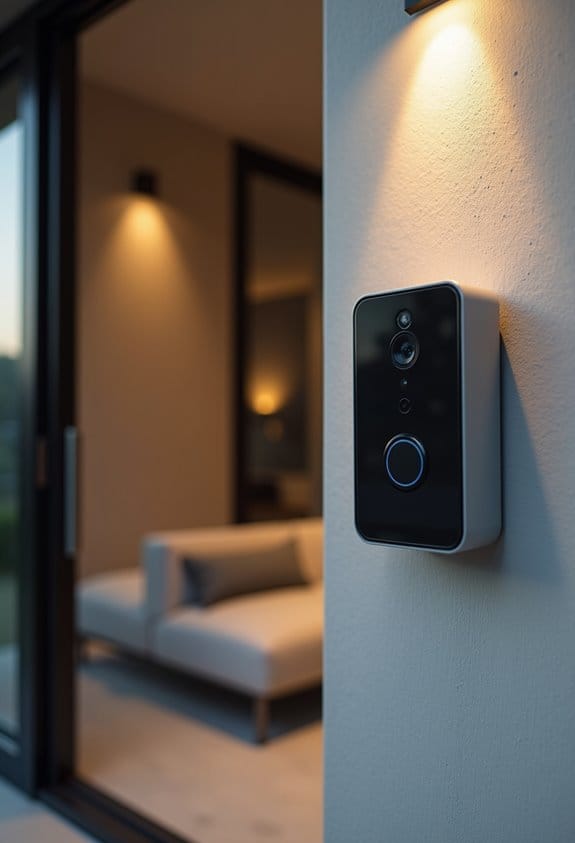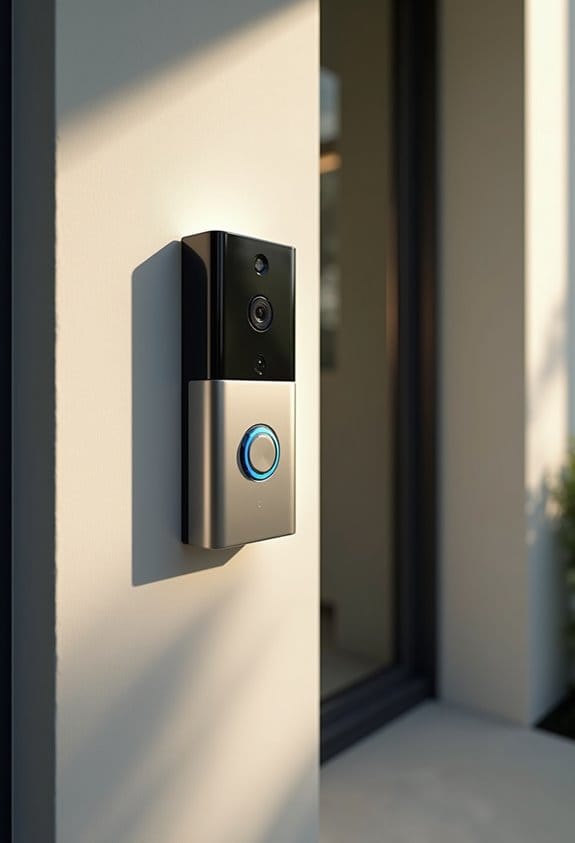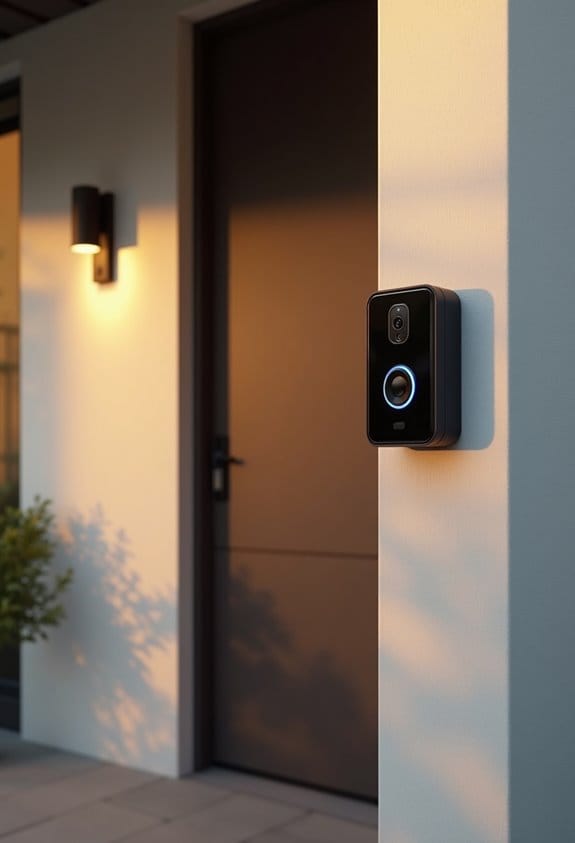

Mesh Wi-Fi can greatly improve our doorbell connectivity, especially in larger homes where the doorbell is over 100 feet from the main router. It helps eliminate dead zones and provides a strong signal for reliable performance. However, some doorbells may still struggle when connecting to distant mesh points, often sticking to weaker signals. For better results, we recommend systems like Eero 7 or TP-Link Deco BE23. To address specific concerns, let’s explore more strategies and insights on optimizing your setup.
Key Takeaways
- Mesh Wi-Fi enhances doorbell connectivity by eliminating dead zones, especially for devices placed far from the main router.
- It provides a stable signal crucial for reliable doorbell functionality, particularly in larger homes with multiple access points.
- Smart doorbells may struggle to connect to distant mesh points, causing potential performance issues if not optimally placed.
- Compatibility with 2.4GHz networks is essential for indoor doorbell cameras, impacting integration with devices like Alexa and Google Assistant.
- Regular monitoring and adjustment of mesh network configurations can improve connectivity and resolve performance challenges for doorbells.
How Mesh Wi-Fi Can Improve Your Doorbell’s Connectivity

When it comes to guaranteeing our doorbell functions properly, connectivity issues can be frustrating. A mesh network can greatly improve our WiFi connection, especially for doorbells that are far from the main router. By placing multiple access points around our home, a mesh network eliminates dead zones and provides a strong, stable signal. This is critical for video doorbells that need consistent connectivity.
To set up a mesh network, we recommend devices like the Netgear Orbi or Google Nest WiFi. Position the mesh points halfway between the router and the doorbell. Confirm they’re not blocked by walls. This setup supports multiple devices simultaneously, ensuring our doorbell and other smart home devices receive adequate bandwidth. Doing this helps enhance functionality.
Many advanced doorbell cameras, such as the Wyze Wireless Video Doorbell Pro, support smart home integration via platforms like Alexa and Google Assistant, further improving their connectivity and usefulness.
Recommended Products

THE SPEED OF EERO MAX 7 - With two 10 Gigabit Ethernet ports, you can enjoy wired speeds up to 9.4 Gbps, wireless speeds up to 4.3 Gbps, and multi-gigabit backhaul speeds—making your network seriously fast.
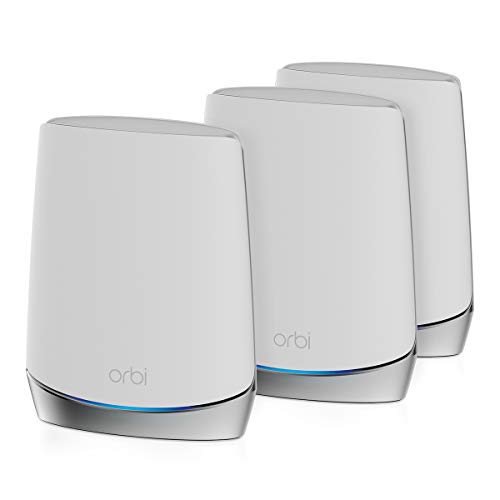

Coverage up to 6,750 sq. ft. and 40+ devices.
Common Connectivity Issues With Smart Doorbells

Improving our doorbell’s connectivity isn’t always straightforward, and several common issues can arise. Smart doorbells, like the Ring Doorbell, often struggle when connecting to distant mesh points, resulting in weak performance. These devices tend to stick to the first WiFi signal they detect, making it complicated to switch to a closer access point. Unfortunately, Ring Doorbells don’t have the ability to scan for better connections after installation, which leads to being locked into less ideal signals.
When facing connectivity problems, we might try troubleshooting techniques like powering off other mesh points or resetting the doorbell itself. These steps can help establish connections with preferred access points and improve overall functionality. Additionally, considering the integration and compatibility of the doorbell with existing systems is key to maintaining stable device connectivity.
Understanding Doorbell Connectivity Issues

While we may not always realize it, understanding the connectivity issues that affect smart doorbells like the Ring model is vital for maintaining their functionality. These devices often struggle to connect effectively when positioned over 100 feet from the Wi-Fi router or access point. They connect to the first signal they detect, which may not be the strongest, leading to poor performance. Additionally, obstacles like walls can further weaken the signal. If we implement a mesh network, it can improve coverage. However, if the doorbell connects to a distant node rather than a closer one, we might still face performance issues. To guarantee a reliable connection, it’s essential to strategically position both the router and the doorbell. Optimizing motion detection technology also depends on a strong and stable Wi-Fi connection for accurate and timely alerts.
Key Factors Influencing Your Doorbell’s Wi-Fi Signal Strength
To guarantee your doorbell operates effectively, we need to contemplate several key factors that directly influence its Wi-Fi signal strength. First, an ideal RSSI score of -60 or better is crucial, as scores below -80 may indicate serious connectivity issues. Distance from the router or mesh point matters; obstacles like walls can interfere with signals. Your doorbell typically connects to 2.4GHz networks, which offer better range but slower speeds compared to 5GHz. While a mesh network can improve coverage, it can also cause issues if the doorbell connects to a distant node instead of the nearer router. If needed, consider using a WiFi extender to boost the signal closer to your doorbell for better performance. Additionally, proper placement of units and effective communication range are critical to ensuring reliable connectivity, especially in larger properties.
When to Use a Mesh Wi-Fi System for Doorbells
Many homeowners may find themselves struggling with Wi-Fi connectivity for their doorbells, particularly in larger or uniquely shaped homes. Using a mesh network can considerably improve signal strength and coverage. If your Video Doorbell is far from the main router, a mesh system can help by reducing dead zones and extending the Wi-Fi signal closer to the device. Proper placement of mesh points will guarantee a stronger connection, reducing lag during critical moments, like package deliveries. However, if the doorbell connects to a farther access point instead of the closest one, manual adjustments may be necessary. Therefore, careful setup and network management are vital to optimize performance and guarantee reliable connectivity for your doorbell. Many mesh Wi-Fi systems support dual-band connectivity, which enhances network stability and can improve doorbell performance.
Recommended Products

This bundle includes three eero 6 routers and two eero 6 extenders.
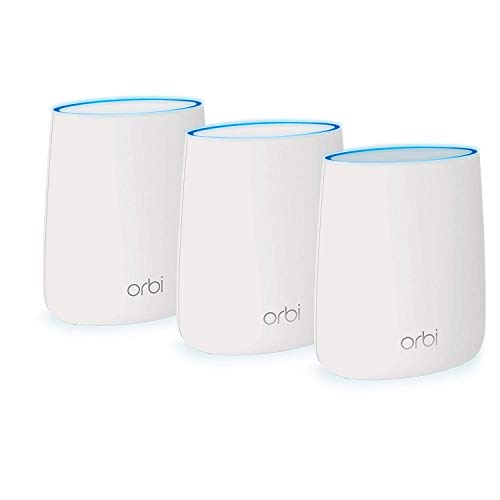
Ultra-performance Mesh WiFi network blankets every inch of your home in super-fast and seamless WiFi connectivity room to room, wall to wall, floor to floor
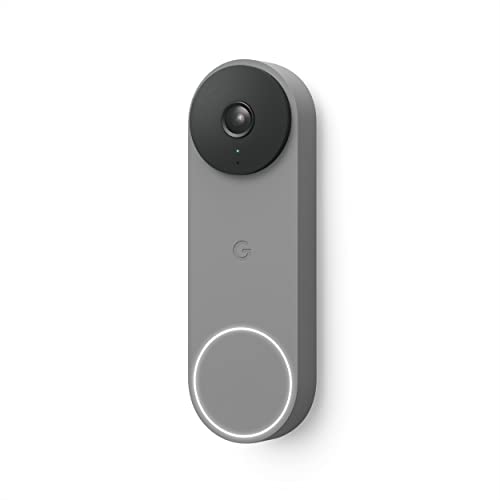
The wired Nest Doorbell can tell the difference between a person, package, animal, and vehicle; get alerts about the things that matter most to you, no subscription required[1].Field of viewe : 145° diagonal with 3:4 ratio
Recommended Mesh Wi-Fi Systems for Doorbells
Several mesh Wi-Fi systems can greatly improve the connectivity of your doorbell, ensuring it operates smoothly even in challenging environments. The Eero 7 stands out as a top choice for enhancing doorbell connectivity, priced at $220 for a two-pack. For those needing an upgrade, the TP-Link Deco BE63 is available for $350, offering faster speeds and multiple 2.5 GbE Ethernet ports, ideal for gigabit internet. If you’re on a budget, the TP-Link Deco BE23, about $220 for a three-pack, covers larger spaces while maintaining steady performance. All these mesh Wi-Fi systems excel in Wi-Fi coverage, which is essential for ensuring stable connections for doorbell devices, particularly in larger or more complex layouts. Ensuring compatibility with 2.4GHz Wi-Fi networks is critical for optimal performance of indoor doorbell cameras.
Recommended Products

Coverage up to 10,000 sq. ft. and for up to 75 devices. Extend coverage up to 2,500 sq. ft. with each RBS760 satellite (sold separately)

SKIP THE NEED FOR ON-SITE IT - eero’s easy setup and reliability make it simple enough for anyone to manage their eero network. And if you do have any questions, you’ll have access to VIP support with eero Business.
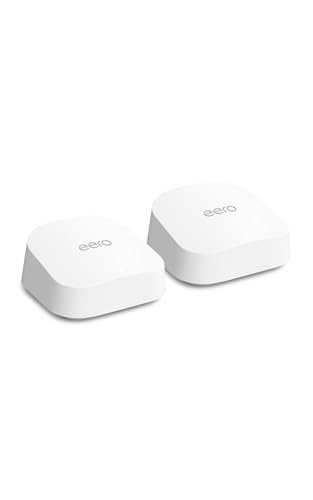
OUR MOST AFFORDABLE WI-FI 7 ROUTER - eero 7 helps you future-proof your network and make the most of Wi-Fi 7 performance starting today.
Optimizing Your Mesh Network for Better Doorbell Performance
While optimizing our mesh network for better doorbell performance may seem complex, it’s essential for ensuring a reliable connection. To start, we should strategically place the main router and additional mesh points within 30 feet of the doorbell. If possible, we can keep a dedicated mesh point close to the doorbell to enhance connectivity, especially if it’s over 100 feet from the main hub. Let’s remember to power off unused mesh points temporarily; this helps the doorbell connect to the nearest, strongest signal. We can also monitor the RSSI, aiming for strengths around -50 to -60 dBm. If needed, using a dual-band WiFi extender like the Ring Chime Pro can help strengthen signals in hard-to-reach spots. Additionally, ensuring that your doorbell camera supports 2.4GHz Wi-Fi connectivity promotes stable and efficient communication with the mesh network.
Recommended Products

Nest Wifi Pro is up to 2x faster than Wi-Fi 6, so you get super fast speeds and a reliable connection for your entire home[1]

Nest Wifi Pro is up to 2x faster than Wi-Fi 6, so you get super fast speeds and a reliable connection for your entire home[1]

Ultra-Fast WiFi 6 with Wide Compatibility: Experience unbeatable speeds with latest WiFi 6 technology, dual-band support (5GHz/1201Mbps & 2.4GHz/574Mbps) for smooth 4K HD streaming, gaming, and browsing. Features dual Gigabit Ethernet ports for faster wired transmission. Works seamlessly with Starlink, outdoor cameras, video doorbells, over 99% of routers and other smart devices , making it ideal for extending any existing network.
Steps to Troubleshoot Doorbell Connectivity Issues
When we encounter connectivity issues with our doorbell, a methodical approach to troubleshooting can help restore that essential connection. First, let’s power off all mesh points except the strongest one. This allows the doorbell to connect to its preferred access point without interference. If the doorbell doesn’t switch connections, we should power cycle it to encourage a reconnection attempt. It’s also important to guarantee the doorbell is within a reasonable distance, typically around 30 feet from the primary mesh point, as distance can weaken the signal. Remember, Wi-Fi devices tend to remember previous connections, so resetting or reconfiguring them may be necessary. Continuous monitoring and adjusting mesh points can help maintain consistent connectivity. Additionally, ensuring the doorbell’s Wi-Fi network uses a reliable 2.4GHz connection can significantly improve signal stability and performance.
Recommended Products

WIRING INSTRUCTION:This smart video intercom system uses a standard 4-wire connection scheme, with stable communication between the monitoring host and doorbell achieved via a 4-core cable. We provide a 4-core cable as standard for each doorbell to meet basic installation requirements. Each monitoring host is also equipped with a 1.2-metre external power cable, and users can flexibly extend the wiring distance using 4-core wires. The main monitor supports Wi-Fi connectivity, allowing you to view visitor activity anytime, anywhere via your mobile phone and manage access remotely.
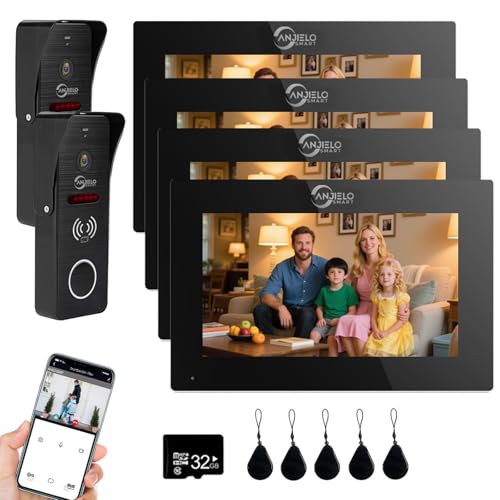
4-Wire Connection: PLEASE NOTE: The Anjielo Smart WIFI visual intercom system does not mean that no cables are required. The indoor monitor supports wireless WIFI network, but the indoor monitor and outdoor doorbell are wired and need to be connected with RVV4 cable. The 4-wire connection is a special feature of this visual doorphone intercom system, which will be more stable to use.

4-Wire Connection: Please note: The Anjielo WIFI visual intercom system does not mean that no cables are required. The indoor monitor supports wireless WIFI network, but the indoor monitor and outdoor doorbell are wired and need to be connected with RVV4 cable. The 4-wire connection is a special feature of this visual doorphone intercom system, which will be more stable to use.
User Experiences: Success and Challenges With Mesh Wi-Fi
User experiences with mesh Wi-Fi systems for doorbells reveal a mix of successes and challenges. Many users experienced improved connectivity for their Ring doorbells as mesh networks offer stable connections throughout homes. However, some faced difficulties when their doorbells connected to distant mesh points, leading to poor performance. One practical solution is to power off other mesh points, encouraging the doorbell to connect to the nearest access point. We also found that Ring doorbells may not automatically scan for ideal connections and can cling to previous points, which affects signal quality. While mesh Wi-Fi notably enhanced functionality for many, these experiences emphasize the variability in performance based on placement and network configurations. Ensuring easy installation can further optimize the mesh network’s effectiveness for doorbells.
Frequently Asked Questions
What Are the Downsides of Mesh Wifi?
When it rains, it pours—mesh Wi-Fi can lead to signal interference and network complexity. These downsides might cause frustrating connectivity issues, especially for devices like doorbells that require a stable, reliable connection for peak performance.
How to Boost Wifi Signal to Ring Doorbell?
To boost the WiFi signal to our Ring doorbell, we can use WiFi extenders, optimize doorbell placement, manage network congestion, and minimize signal interference for a strong, reliable connection that enhances its performance.
Does Ring Work With Mesh Wifi?
Yes, Ring doorbells are compatible with mesh networks. However, we need to guarantee they’re positioned close to the main router or mesh point to maintain ideal connectivity and performance for our smart home experience.
Why Does My Ring Doorbell Have Poor Wifi Connection?
If our Ring doorbell’s got poor WiFi connection, it might be due to interference or distance from the router. Let’s try some Ring troubleshooting steps together to improve that pesky WiFi interference and boost performance!