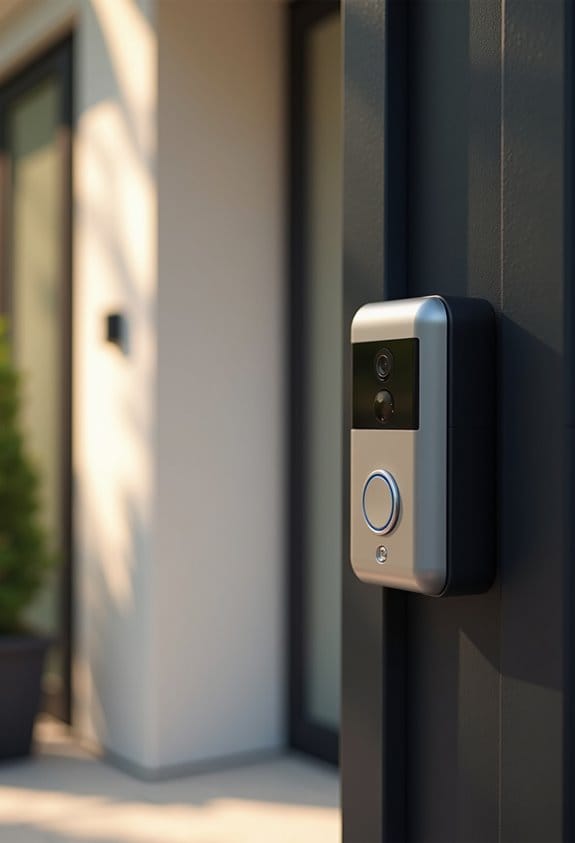

When it comes to reliability, motion alerts from security cameras usually outperform doorbell press alerts. Motion detection can filter out irrelevant movements and typically provide notifications more consistently. In contrast, doorbell press alerts only work about 50% of the time due to frequency limits and performance issues. We recommend adjusting sensitivity settings, ensuring Wi-Fi stability, and testing alerts regularly. Geographical factors may also play a role in alert reliability, so exploring specifics can improve your experience.
Key Takeaways
- Motion alerts typically provide higher consistency than doorbell press notifications, ensuring better reliability for detecting movement.
- Doorbell press alerts have a reliability rate of about 50%, leading to frequent missed notifications.
- Motion alerts can be customized for sensitivity and motion zones, enhancing their accuracy and relevancy.
- Wi-Fi stability is crucial for both alert types; poor connections can decrease reliability for doorbell presses and motion detection.
- Regular testing and adjustments in settings can improve the performance of both motion alerts and doorbell notifications.
Understanding Motion Alerts
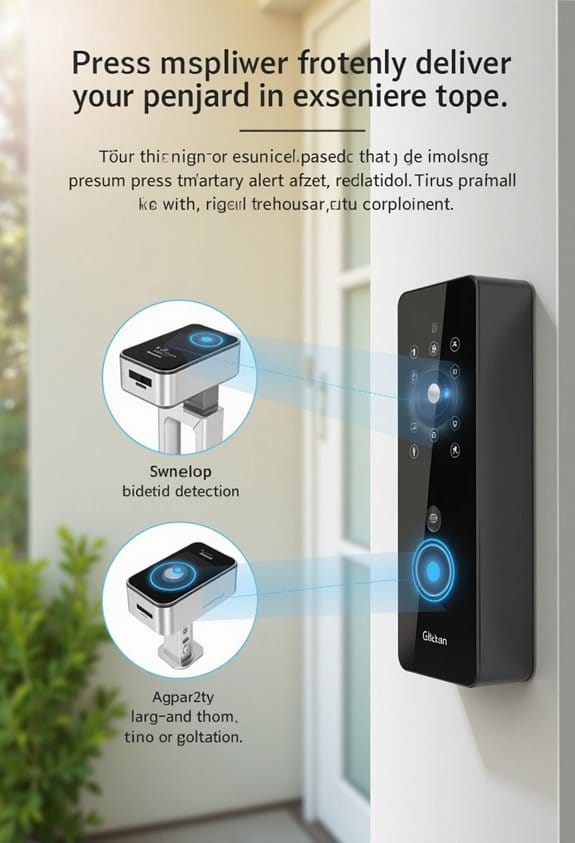
Motion alerts are a key feature of modern security cameras, designed to help us monitor our properties more effectively. They detect movement within the camera’s field of view and send notifications to our smartphones, keeping us aware of activity around our home. We can customize sensitivity settings and establish motion zones to filter out irrelevant movements, such as passing cars or pets. This helps enhance the effectiveness of our Ring Doorbell and other smart home devices. However, it’s essential to recognize that some users may experience inconsistencies in motion detection, influenced by device type, Wi-Fi stability, or environmental factors. By understanding these aspects, we can optimize our motion alerts for a more reliable security experience. Many wireless doorbell cameras use advanced smart motion detection to minimize false alerts and improve accuracy.
Understanding Doorbell Press Alerts
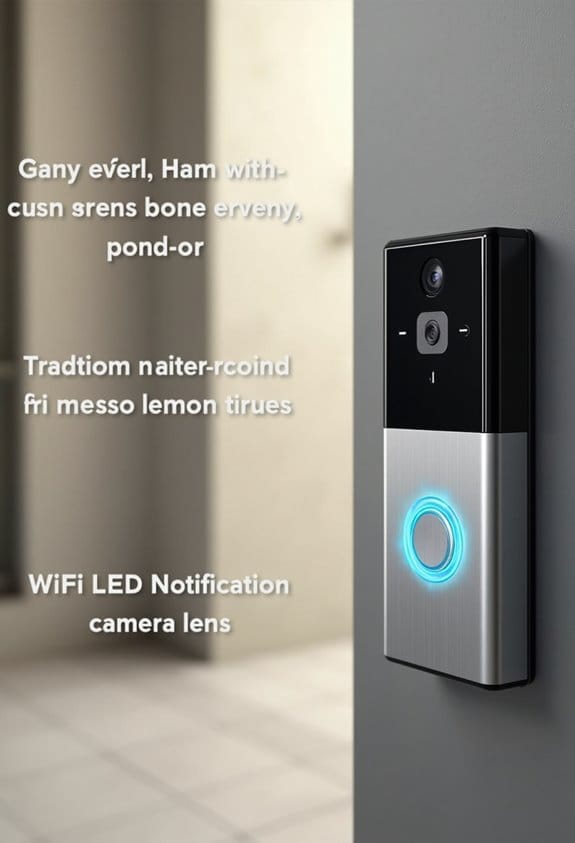
While we enjoy the convenience of smart doorbells, understanding how doorbell press alerts function is vital for maximizing their benefits. Doorbell press alerts notify us immediately when someone presses the doorbell, allowing us to know a visitor is at our home. Unlike motion detection alerts that activate based on movement within the security camera’s view, these alerts provide a more direct notification. However, we’ve noticed that some users experience inconsistent performance, with successful alerts received only about 50% of the time. Additionally, doorbell press alerts typically lack the extensive customization options that motion alerts offer. Improving the reliability of these alerts is imperative for enhancing our user experience and ensuring effective communication with visitors. Incorporating real-time alerts directly to smartphones can significantly improve the responsiveness and usability of doorbell press notifications.
Comparing Alert Reliability
When we consider alert reliability, it’s clear that there are significant differences between motion detection alerts and doorbell press notifications. Users typically report higher consistency with motion alerts, often receiving them without issue. In contrast, doorbell notifications show a reliability rate of only about 50%, with successful alerts occurring around 80% of the time in tests. One reason for this disparity is Ring devices’ limitation on sending two notifications in quick succession, which can miss vital alerts. User feedback indicates frustration with doorbell press notifications, especially regarding missed alerts in certain regions like the UK. Overall, for home security, motion alerts generally provide a more reliable notification system than doorbell press alerts. Additionally, customizing alert tones and volumes can enhance user awareness and ensure notifications are noticed promptly through an effective sound profile.
Common Issues With Ring Alerts and Solutions
Among the common issues users experience with Ring alerts, missed notifications for doorbell presses stand out as particularly frustrating. Reports show that these alerts have only about 50% reliability, which is especially disappointing compared to the consistency of motion notifications. Variability exists, as motion detection alerts seem to be delivered successfully while doorbell press alerts often fail. Technical support points to limitations on notification frequency, impacting alert reliability during quick successions. Users have tried resetting devices and adjusting settings via the Ring app; however, many still face issues. Additionally, geographical differences affect performance, with some regions achieving better motion detection rates. Addressing sensitivity of motion detection settings may help improve notification functionality overall. Ensuring your device has AI image recognition can enhance motion detection accuracy and reduce missed alerts.
Practical Tips to Improve Notification Accuracy
To improve notification accuracy, we should regularly test the doorbell button by pressing it at various times throughout the day. This helps confirm timely alerts for doorbell press notifications. We can also adjust the sensitivity of motion detection in the Ring app, allowing us to focus on specific areas for more relevant alerts in the Ring. Ensuring Wi-Fi stability is essential, as a strong connection affects both motion detected and doorbell press alerts. Additionally, utilizing the “Do Not Disturb” feature during certain hours can help manage alert frequency. We can also customize alerts to avoid unnecessary notifications. Engaging in community discussions can provide insights and shared solutions to further enhance our notification settings for better accuracy. Choosing devices with AI person detection can also significantly reduce false alerts and improve the overall reliability of motion notifications.
Frequently Asked Questions
What Is the Difference Between Motion Detection and Alerts on Ring Doorbell?
Motion detection uses advanced technology to sense movement, while alerts notify us accordingly. We can customize motion sensitivity settings and manage notification preferences, ensuring a better user experience despite potential device connection issues and alert types comparison.
What Is the Difference Between Motion Detection and Alert?
Like a watchful guardian, motion technology’s detection methods provide instant alerts, while notification types with doorbell presses rely on user preferences and device performance. Sensor capabilities differ, affecting reliability and overall alert systems efficiency.
Why Is My Ring Doorbell No Longer Sending Motion Alerts?
If our Ring doorbell’s not sending motion alerts, we should check doorbell settings troubleshooting, adjust sensor sensitivity, guarantee Wi-Fi connectivity isn’t hindered, review battery life, apply firmware updates, and refine privacy and motion zone configurations.
Does Turning off Motion Alerts on Ring Turn It off for Everyone?
No, turning off motion alerts on our Ring device only affects our settings. Each user maintains notification control and alert customization through our privacy settings, allowing family sharing without impacting others in our user permissions.